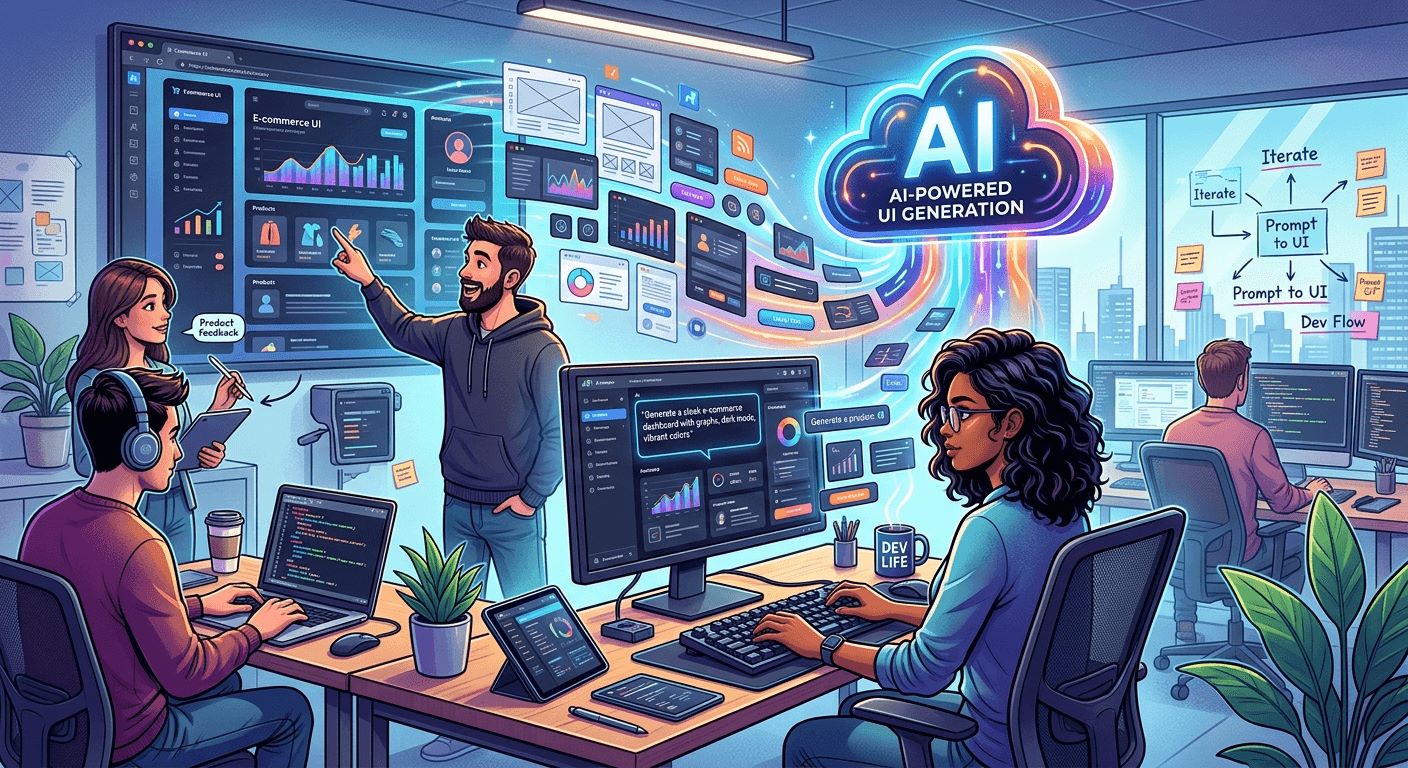
Product designers used to spend the first two days of any sprint hunting for the right stock photo. Developers waited. Stakeholders reviewed blank rectangles. The whole feedback loop was slower than anyone wanted. AI image generation is changing that, starting at the very first step of product design, before a single line of code gets written.
Key Takeaway: AI image generation is no longer just a creative tool, it is becoming a core part of how dev teams prototype and plan.
– Teams can generate placeholder visuals in seconds using a single text prompt, eliminating the wait for designer availability.
– Sprint reviews and wireframes now include realistic, context-appropriate imagery from day one.
– Product managers and developers can iterate on visual direction without opening a design file.
Why Prototyping Has Always Been a Bottleneck
Prototyping should be about speed. The whole point is to get something in front of stakeholders fast enough to collect real feedback. But the visual layer has always slowed things down.
Early UI prototyping often draws on paper prototyping and low-fidelity wireframes in the first phases. That approach works well for layout and flow. The problem shows up when teams move to higher-fidelity mockups and suddenly need actual images. Generic stock photos get dropped in as placeholders. They do not match the product’s tone. They look like filler. Everyone in the review meeting knows it.
The result is a feedback session where stakeholders spend as much time commenting on mismatched placeholder imagery as they do evaluating the actual product design. It wastes time. It clouds the conversation. Teams walk away debating the wrong things.
What AI-Generated Visuals Actually Change
AI image generation does not replace designers. That is not the point. The point is that it removes one of the most time-consuming dependencies from the early prototyping phase.
Here is what shifts when you bring AI visuals into the process:
- Developers can generate context-appropriate imagery without waiting for design resources to free up
- Stakeholder reviews focus on product structure and user flow rather than placeholder complaints
- Sprint kickoffs include realistic visual context from the very first planning session
- Teams can test multiple visual directions in a single afternoon rather than across multiple design cycles
- Product managers can communicate visual intent to stakeholders before a designer has even been briefed
This changes the energy of early sprint planning. Instead of abstract wireframes with grey boxes and “Lorem Ipsum” everywhere, teams can present something that actually feels like a product in progress.
How Teams Are Using It Right Now
The most practical application shows up during wireframe review. A product manager puts together a rough layout in Figma or a similar tool and drops in AI-generated visuals that match the intended product context. A travel app gets realistic destination photography. A fintech dashboard gets clean data visualization imagery. A health and wellness app gets photography that matches the brand’s intended tone.
None of these images need to be final. They are placeholders, but smart ones. They communicate intent in a way that grey boxes never could.
The shift in workflow design is particularly visible in review boards. When stakeholders can see mockups that visually represent the product’s direction, their feedback becomes more specific and more useful. They stop asking “what will this look like?” and start asking “should this image be warmer in tone?” or “can we see a more urban version of this?” That is the conversation product teams actually want to be having in sprint reviews.
The Developer’s Entry Point
Developers are not always expected to have strong visual instincts. That has historically made the early design phase feel like someone else’s territory. AI image generation changes the access point considerably.
A developer working on a sprint task can open a text to image tool, type a description of what the image should communicate, and have something usable in under a minute. No design software required. No waiting in a request queue. No need to explain the visual need to someone else in abstract terms.
This matters because it means developers can self-serve the visual layer during prototyping. They can build out a feature branch with realistic imagery already in place, which makes pull request reviews more meaningful and gives reviewers actual context to evaluate the work.
It also changes how developers communicate with design teams. Instead of writing a vague brief about what a section should look like, a developer can generate a reference image that says “something like this” and hand it over as a starting point. That conversation is faster and more productive for everyone involved.
Sprint Planning Gets a Visual Layer Earlier
Sprint planning has traditionally been heavy on text. User stories, acceptance criteria, task breakdowns. The visual representation of what is being built usually comes later, once design has caught up to the development timeline.
When AI image generation is part of the planning toolkit, that visual layer can come much earlier. Product managers can attach generated reference imagery to user stories. Developers have a clearer sense of the visual outcome they are building toward. Designers can see the visual direction that has already been established and work from there, rather than starting completely from zero.
This does not create conflict between teams. It creates alignment. Everyone is working from the same visual reference, even before the final design has been produced and approved.
Practical Considerations for Dev Teams
Bringing AI-generated visuals into the prototyping process is not complicated, but there are a few things worth keeping in mind before you start using this in production sprints.
Generated images work best as reference material, not final assets. The resolution and style may not match brand guidelines. Use them to communicate intent, then hand off to a designer for production-ready versions once the direction is confirmed.
The quality of the output depends heavily on the quality of the prompt. Vague prompts produce generic results. Specific prompts that include context about the product, the audience, and the intended visual tone produce images that are genuinely useful for prototyping purposes.
Consistency also matters in mockups. If multiple screens in a prototype use AI-generated imagery, keeping a consistent visual style across all of them makes the mockup feel cohesive rather than patchwork. That consistency makes stakeholder feedback more reliable because reviewers are responding to a unified visual direction.
What This Means for Design Collaboration Going Forward
The relationship between developers, product managers, and designers is shifting. It has been moving in this direction for a while, with collaborative design tools enabling closer cross-functional work, but AI image generation accelerates it meaningfully.
The boundary between “design work” and “development work” in the early phases of a sprint is getting blurrier. That is a good thing. It means fewer handoff delays, fewer communication gaps, and more shared ownership of the product’s visual direction from the very beginning of the project.
Product managers who understand how to prompt AI tools effectively become better at communicating product vision. Developers who can generate reference visuals become stronger collaborators with design teams. Designers who are freed from early-phase placeholder requests can focus on the work that actually requires their expertise, producing final assets and refining brand direction rather than sourcing stock photos.
What Gets Built When Every Sprint Starts With a Real Visual
The cumulative effect of bringing AI visuals into prototyping is not just about individual sprints running more smoothly. It changes how teams think about product development from the ground up.
When every sprint starts with a clear visual reference, teams build better products faster. Stakeholder feedback is more specific. Designer time gets spent on higher-value work. Developers have more context for the features they are building. Product managers can communicate vision more clearly at every stage of the process, not just once a polished mockup finally arrives.
AI image generation is not the most glamorous part of this story. It is not about producing finished artwork or replacing the creative professionals on your team. It is about removing friction at the exact point in the process where friction has always slowed teams down, that moment between having an idea and being able to show someone what that idea actually looks like.
That is a meaningful change. And it is already happening in the teams paying close attention.